
本ページは広告が含まれています。気になる広告をクリック頂けますと、サーバ運営費になります(^^
シリアルケーブル
シリアルポートに接続

何かと重宝するので、USB-シリアルケーブルは持っておいた方がいい。
UGREENのこのモデルはドライバなしで利用可能
UGREEN RS232C USB 変換ケーブル USB-シリアル変換ケーブル
COM8で認識してる
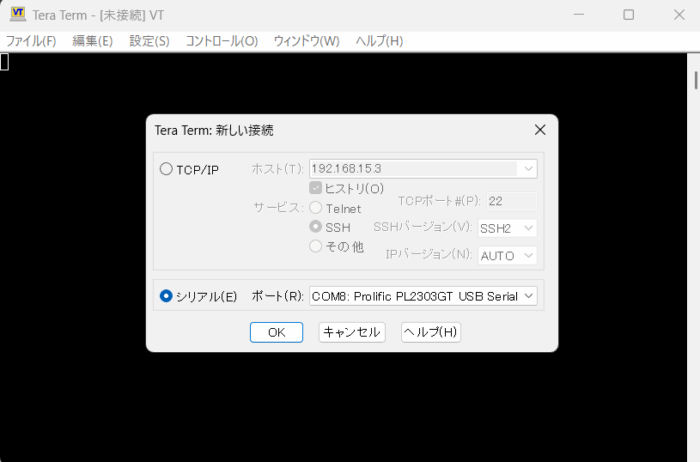
接続するとログインが出る
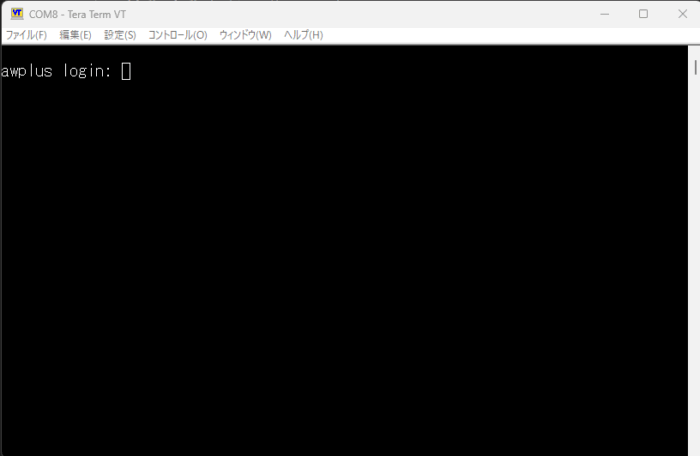
初期設定なら
awplus login: manager
Password: friend
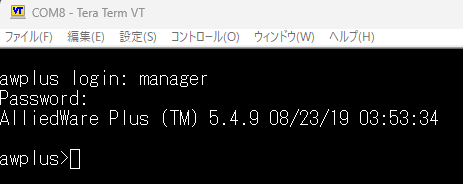
ファームウェアのバージョンはここに書いてある
AlliedWare Plus (TM) 5.4.9 08/23/19 03:53:34
ファームウェアダウンロード
最新のファームウェアをダウンロードする。最新は5.5.5-0.2
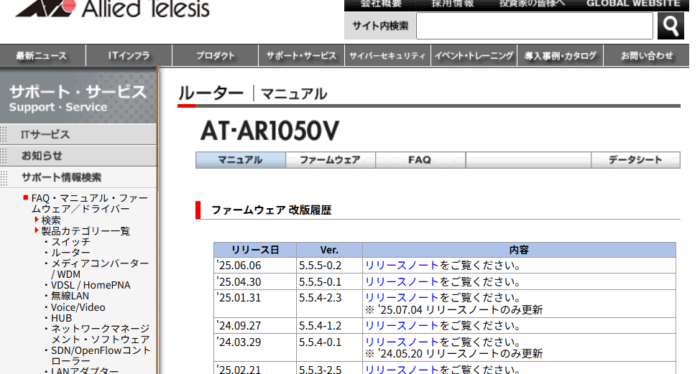
ダウンロードには、シリアル番号が必要
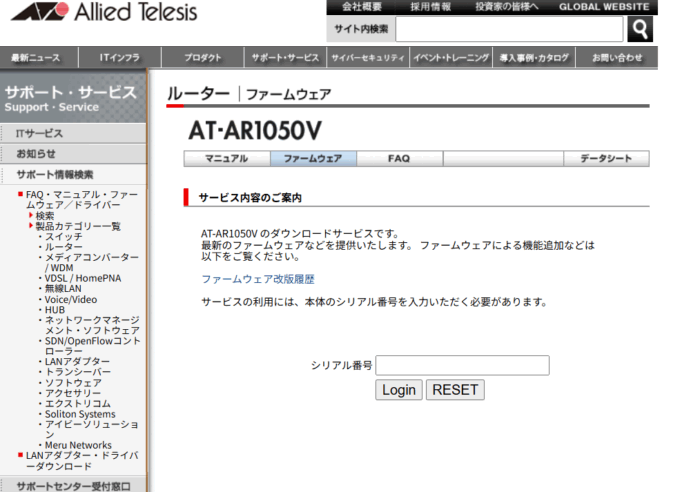
ファームウェアと、GUI用ファイルをダウンロード
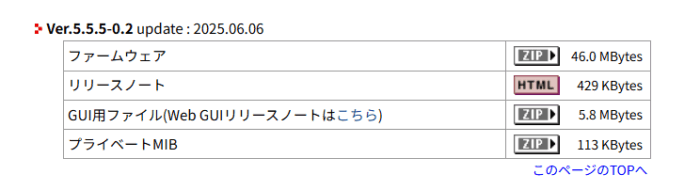
ダウンロードしたファイルはZIP形式で圧縮されているので解凍する
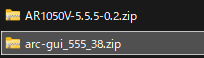
展開したファイル中身をUSBメモリへコピー
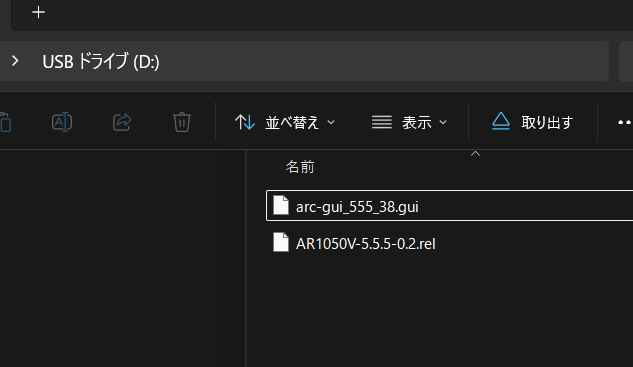
AR1050Vへデータコピー準備
USBメモリを、AT AR1050V へ挿入
USBが認識できているか確認

enable
dir usb:
コピーにはしばらく時間がかかるので、そっとしておくこと。ファームウェアアップデートの失敗は、文鎮化するので相当気をつかう
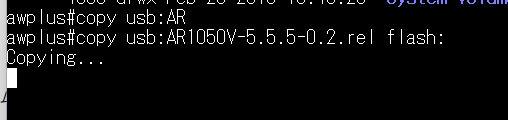
エラー出た
% Destination file system out of spaceファイル容量が足らんらしい。念のためにとってある一世代前のファームウェアが邪魔してるなこれ。

awplus#show boot
Boot configuration
--------------------------------------------------------------------------------
Current software   : AR1050V-5.4.9-1.3.rel
Current boot image : flash:/AR1050V-5.4.9-1.3.rel (file exists)
Backup  boot image : flash:/ar1050v-5.4.9-0.1.rel (file exists)
Default boot config: flash:/default.cfg
Current boot config: Skipped at user request
Backup  boot config: Not set
Autoboot status    : disabled
Boot Security Level: none
backup に設定してあると、消せないので、一度編集モードに入り、backup イメージを解除
awplus#configure terminal
Enter configuration commands, one per line.  End with CNTL/Z.
awplus(config)#no boot system backup
これで、not set になった
w boot
Boot configuration
--------------------------------------------------------------------------------
Current software   : AR1050V-5.4.9-1.3.rel
Current boot image : flash:/AR1050V-5.4.9-1.3.rel (file exists)
Backup  boot image : Not set
Default boot config: flash:/default.cfg
Current boot config: Skipped at user request
Backup  boot config: Not set
Autoboot status    : disabled
Boot Security Level: none
やっとこれで消せる
awplus#dir flash:
       232 drwx Sep 10 2015 00:05:01  log/
      2034 -rw- Jan 03 2010 22:58:38  default.cfg
   2265088 -rw- Jan 01 2010 02:35:05  arc-gui_549_13.gui
  36496671 -rw- Jan 01 2010 02:34:35  AR1050V-5.4.9-1.3.rel
  36379639 -rw- Jan 01 2010 00:02:13  ar1050v-5.4.9-0.1.rel
awplus#delete flash:/ar1050v-5.4.9-0.1.rel
Delete flash:/ar1050v-5.4.9-0.1.rel?  (y/n)[n]:y
Deleting...
Successful operation
GUIファイルもアップグレードするので削除
awplus#delete flash:/arc-gui_549_13.gui
Delete flash:/arc-gui_549_13.gui?  (y/n)[n]:y
Deleting...
Successful operation
USBからファイルコピー
USBからファームウェアをコピーします。
awplus#dir usb:
   6119424 -rwx Aug 17 2025 12:38:30  arc-gui_555_38.gui
  48581087 -rwx May 21 2025 09:12:08  AR1050V-5.5.5-0.2.rel
      4096 drwx Feb 20 2018 10:48:28  System Volume Information/
awplus#copy usb:AR1050V-5.5.5-0.2.rel flash:
Copying...
Successful operation
awplus#copy usb:arc-gui_555_38.gui flash:
Copying...
Successful operation
bootイメージ設定
ターミナルに入ってboot イメージを設定
awplus#configure terminal
Enter configuration commands, one per line.  End with CNTL/Z.
awplus(config)#boot system flash:AR1050V-5.5.5-0.2.rel
万一のために、古いファームウェアをバックアップに設定
awplus(config)#boot system backup AR1050V-5.4.9-1.3.rel無事に新しいファームウェアで起動してきた
Bootloader 5.2.1 loaded
Press <Ctrl+B> for the Boot Menu
Loading flash:AR1050V-5.5.5-0.2.rel...
Verifying release... OK
Booting...


           ______________   ____
        /\ \            / /______\
      /   \ \_      __/ /| ______ |
    /      \ |     |  /  | ______ |
  /         \ \   / /     \ ____ /
/______/\____\ \/ /____________/

Allied Telesis Inc.
AlliedWare Plus (TM) v5.5.5-0.2
Built: Thu May  1 00:48:51 UTC 2025
webアクセス確認できるか?
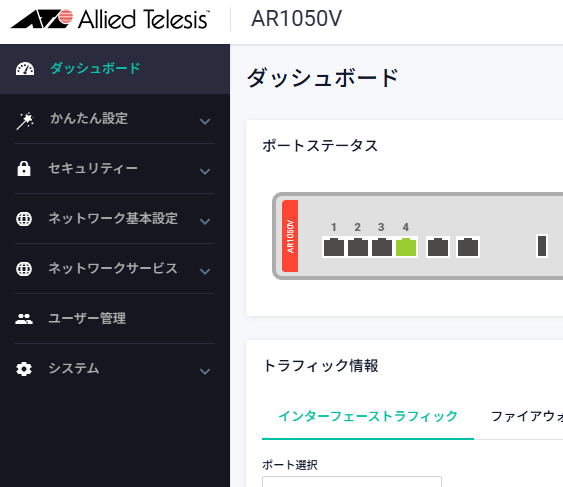
コンフィグ初期化したい
コンフィグを初期化したい時は
erase startup-config
reload
これで工場出荷時と同じコンフィグになります。
初期化すると、**管理IPはデフォルト(192.168.1.1)**に戻ります。